Adjusting heights of unit parts
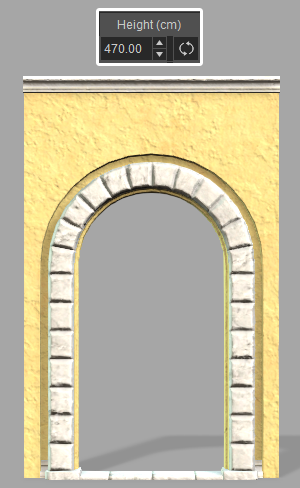
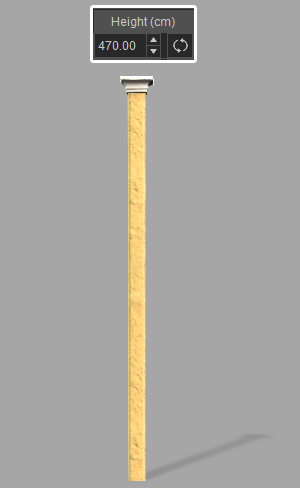
Each item in the BuildingGen package is listed under the Parts section with their respective heights shown under the Height(cm) column. For multi-story buildings, walls and pillars should have uniform heights in order to avoid gaps between the different floor levels. 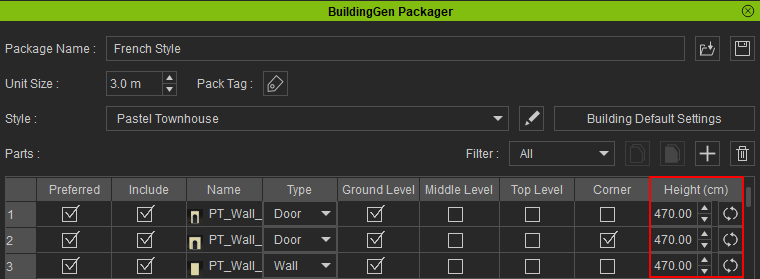
|
|
|
|
Wall height. |
Pillar height. |
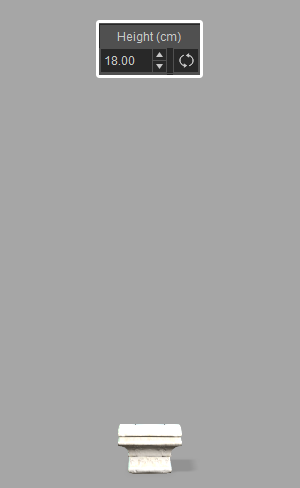
Trim height. |
The tallest unit parts will establish the highest extent of the building level they belong to.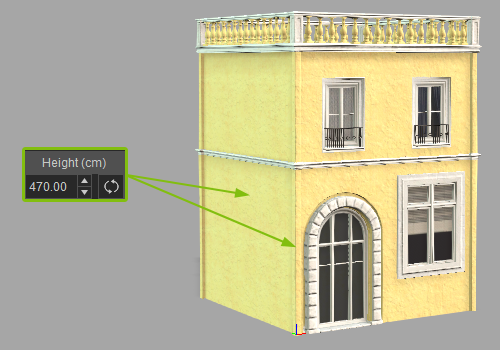
Higher levels of the building will always stack on top of the highest part of the level below. For levels with varying wall and pillar heights, this can look awkward with gaps between the different levels.
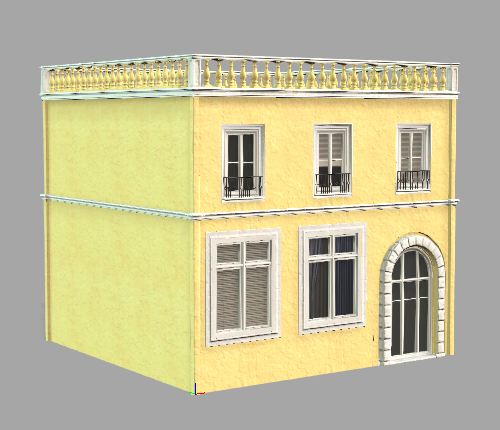 | 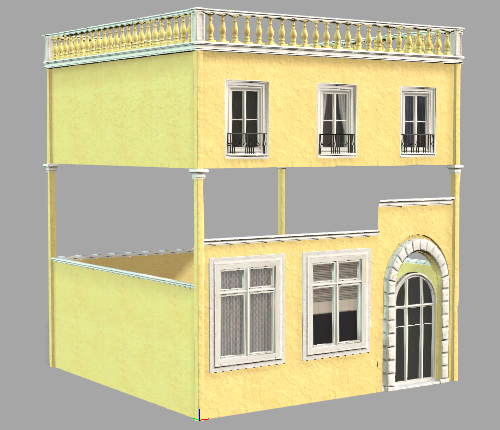 |
Levels with uniform wall and pillar heights lead to sound constructions. | Levels with non-uniform wall and pillar heights may look exotic but aren’t very practical. |
Resetting heights
Clicking the Reset icon will revert the height settings for the selected unit parts back to their default values. This allows you to reset all the heights at once instead of changing them individually.
Before resetting the heights of the unit parts:.png)
After resetting the heights of the unit parts:
